


A moving background can give a page, presentation, or content card a sense of atmosphere, but it also competes with whatever sits in front of it. The useful starting point for an ai video maker is therefore the space the content needs. Dreamina supports video generation from text descriptions and reference images, allowing a creator to explore a new scene or develop movement around a chosen visual composition.
Those two starting points serve different needs. A text description leaves room to explore a setting or abstract treatment. A reference image provides a visual starting point when subject placement and open space already matter. In either case, the background succeeds through its relationship with the foreground, the viewing duration, and the way playback begins and ends.
Give the background a supporting role
A background usually establishes mood, context, or visual identity while another element carries the essential information. That element might be a headline, a speaker’s explanation, a product description, or a navigation choice. Decide which contribution belongs to the background before choosing its visual style. Otherwise, a striking scene can end up making the main message harder to receive.
The amount of movement should follow that role. A short introductory card can accommodate a more noticeable visual event because the audience has relatively little to read. A background behind a longer explanation needs to remain comfortable over time. Repetition, bright changes, and frequent shifts in attention can become distracting even when a single playback looks appealing.
Some material is better treated as a separate video rather than a background. If understanding an action requires watching closely, it may deserve its own space in the layout. If a visual detail is essential to an explanation, placing text over it can weaken both. Give important information enough room to be perceived instead of assigning two demanding tasks to the same area.
A practical brief can state the foreground’s job and the background’s job separately. The foreground communicates the message; the background supplies the intended atmosphere or context. This division makes it easier to reject a candidate that looks impressive alone but does not support the assembled piece.
Design the quiet area before the moving area
The first layout decision is where people need to look and read. Reserve that area in the composition before generating movement. A balanced still frame is only the beginning: a bright object, moving edge, or changing texture may enter the reserved space later and interrupt the text.
Open space does not have to mean a flat, empty background. It can be a region with restrained contrast, broad shapes, and little competing detail. The important quality is predictability. The words should remain readable throughout the useful interval, rather than looking clear in a selected preview frame.
When using an existing image as the starting point, check whether the composition already supports the foreground. A reference cannot make a crowded picture suitable simply by adding motion. Adjust the image or layout first if the planned text area contains important faces, detailed objects, or strong lines that would compete with the wording.
Keep exact text in a separate editable layer when practical. A stable title should not move or distort with the generated scene. Separating the layers also allows changes in language, placement, and emphasis without producing another background. Preview them together early so the image is judged against its actual purpose.
Choose motion with a clear boundary
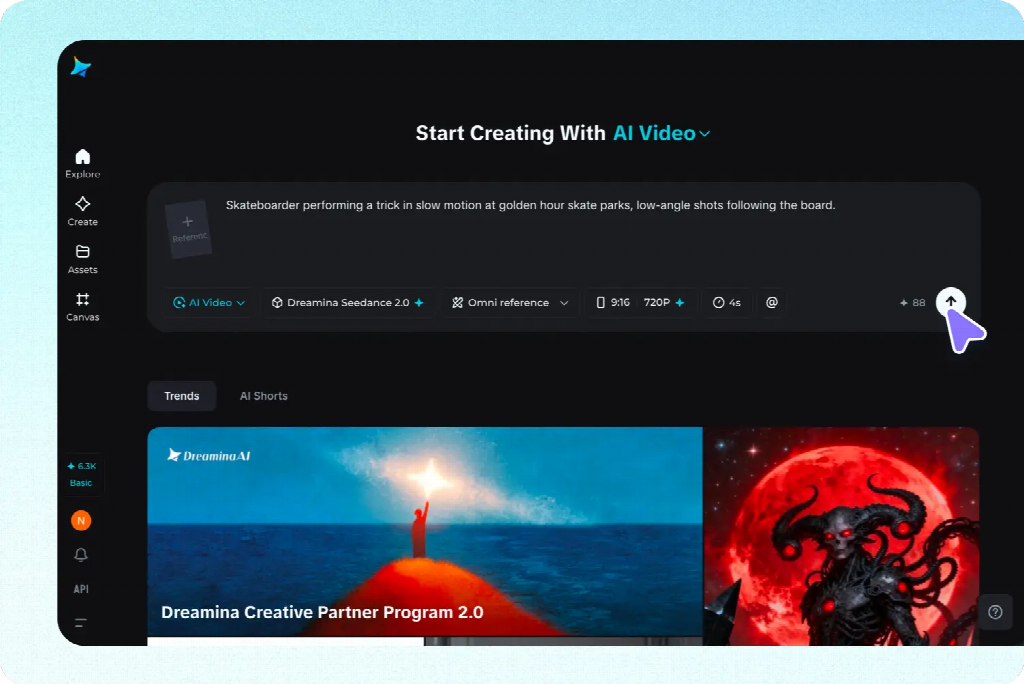
Environmental movement, abstract movement, and camera movement create different kinds of background. Gentle changes within a stable scene can preserve orientation. Abstract forms can supply rhythm without requiring a recognizable setting. Camera movement changes the visible composition and may bring new detail into areas that were originally quiet.
Describe the movement you need rather than asking for a generally cinematic result. Identify what moves, how far it moves, and what should remain stable. If the image is already doing most of the communicative work, a small change may be enough. Adding several independent actions creates more opportunities for distraction and instability.
Image-to-video is useful when a chosen arrangement should guide the shot. The accompanying prompt can concentrate on the movement and camera behavior instead of rebuilding the entire scene in words. Text-to-video is useful when the setting itself is still being explored. Neither approach removes the need to inspect how the composition develops over time.
A stable-camera instruction can express an intended treatment, but review the result for actual drift. Small changes in framing may move an important edge behind a headline or reveal unwanted detail. Compare recognizable landmarks across the shot, then watch the full interval with the foreground visible. The delivered movement matters more than the wording of the request.
Readability needs to survive every frame
Contrast is a changing relationship when the background moves. Text that reads clearly over one part of a scene can become difficult to see as light, texture, or objects pass behind it. Review the entire clip at the intended display size, paying particular attention to the brightest and busiest moments.
A restrained overlay or a dedicated text panel can make the relationship more dependable. Apply it as a deliberate layout choice rather than progressively darkening everything until the picture loses its purpose. Moving the text or selecting a calmer section of the footage may produce a clearer result with fewer compromises.
The text’s size and weight also need to suit the viewing situation. A presentation viewed from a distance asks different questions from a card viewed on a phone. Shrinking the entire layout to fit another placement may preserve the composition while making the words impractical to read. Build the foreground for its destination.
Review with the actual wording, including any essential secondary information. Placeholder text can conceal spacing problems or make a design look simpler than the final version. If the background only works when important details are omitted, reconsider its scale, placement, or intensity rather than treating readability as a finishing adjustment.
Decide how the background should behave over time
A background can play once, repeat, or settle into a still image. These are different editorial choices. A brief opening animation may establish the mood and then stop while people read. A repeated background may suit a space where viewing begins at unpredictable times. A static treatment may serve content that already demands sustained attention.
Choose the behavior according to the exposure. A motion pattern that feels lively for a few seconds can become intrusive behind several minutes of explanation. A visible event that repeats frequently may pull attention back to the background each time. Test the design for a realistic viewing period rather than approving one short playback.
If the clip will repeat, select movement that can plausibly return. Continuous departure, progressive transformation, or a steadily changing camera position can make the restart obvious. Restrained recurring motion offers a more useful starting point, but a request for a seamless loop does not guarantee compatible beginning and ending states.
Look for a usable interval within the generated footage. Compare its start and end for position, shape, brightness, and movement direction. Similar still frames can still produce a hitch if the action changes speed or direction abruptly at the join. Watch several repetitions to judge the actual transition.
A short dissolve can soften a small mismatch, but inspect the overlap for ghosted outlines and brightness changes. Reversing footage can create an unnatural action even when it returns to the starting frame. Use these techniques only when they suit the visible movement; another interval or a simpler source may be the cleaner choice.
Match playback to the place people encounter it
A background in a presentation, a webpage, and an exported social card may behave differently because each uses a different playback environment. Confirm whether the destination supports the intended repetition, start behavior, and file characteristics. An editor preview cannot establish how another application will handle the same clip.
Plan for the content to remain understandable when the video does not play. A suitable still frame or static version should preserve text readability and the essential message. Avoid making a button, instruction, or important relationship depend on a particular moment in the animation becoming visible.
Where playback controls or a reduced-motion option are available, include them in the design review. The calmer version should feel intentional and complete. It may use a selected frame, a simpler visual, or the same layout without animation. This is easier to prepare when foreground information remains separate from the background asset.
Audio needs its own decision. A visual background may not need sound, especially where it supports reading or a live speaker. Check the exported file for unexpected audio and confirm how the destination handles it. Repeating sound can draw attention to a loop even when the visual join is unobtrusive.
Approve the background inside the finished composition
Start the final review with the content rather than the animation. Can someone identify the main message, read the necessary information, and understand what to do next? Then assess whether the movement adds an appropriate atmosphere. This order keeps visual novelty from becoming the only standard for approval.
If something fails, identify the cause before generating again. A problem may belong to the footage, the text treatment, the chosen interval, or the playback setup. A lighting jump needs a different response from cramped wording. Replacing a good background will not fix a layout that gives essential text too little space.
Inspect the actual delivered version at a realistic size and over repeated playback where relevant. Confirm that the selected interval, foreground placement, and audio choices survived export. Keep the source clip and editable composition available so later wording or placement changes can be made without guessing how the approved version was assembled.
A successful motion background gives the content a useful setting while leaving it easy to understand. Its composition protects the foreground, its movement fits the viewing duration, and its playback behaves as intended. The visual effect can be subtle; what matters is that the finished piece remains comfortable to watch and clear to use.