

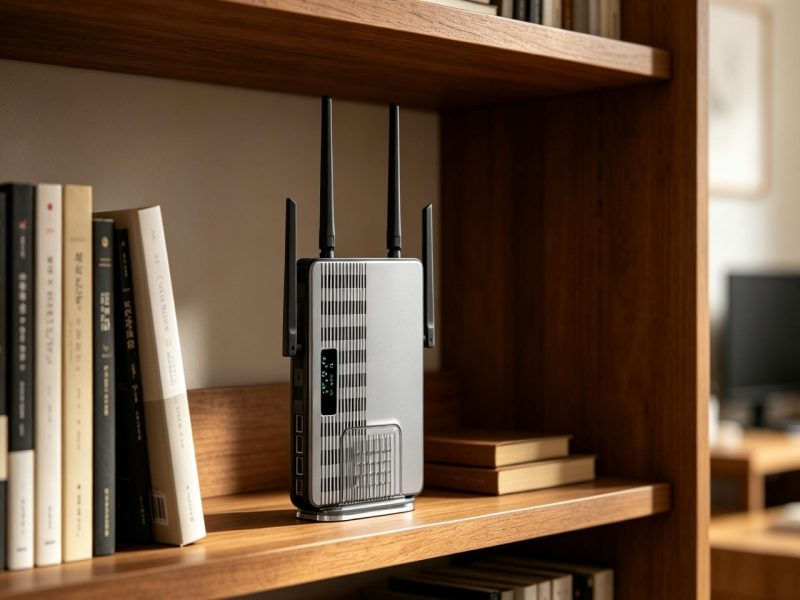
Not every site has fibre or cable. Farms, construction sites, remote monitoring stations, pop-up offices and rural shops often depend on mobile networks for internet access. A CPE router, short for customer premises equipment, takes a cellular signal and shares it as Wi-Fi and wired connections. Choosing the right one saves a lot of trouble later. This guide walks through the points that matter, using the models listed by KAM UNION as real examples.
4G or 5G: which do you need?
The first decision is the network type. Four of the six models in the KAM UNION networking range use 5G, and two industrial models use 4G LTE.
The 4G models suit sites that need steady, modest connectivity. The KU-SH-01-001 offers five Ethernet ports and Wi-Fi up to 300 Mbps, and it can run as a 4G router, with multi-WAN failover, or as an access point. The KU-SH-01-002 is smaller, with two 10/100 Mbps Ethernet ports and Wi-Fi up to 150 Mbps, and it also supports 2G and 3G fallback.
The 5G models, KU-SH-01-003 to KU-SH-01-006, use dual-band Wi-Fi 6 with wireless speeds listed up to 3000 Mbps. That figure is a theoretical wireless rate, so real speeds depend on your mobile network, signal strength and how many devices share the link. If a site has many users, cameras or sensors, 5G and Wi-Fi 6 give more headroom.
Picking a reliable router manufacturer
Hardware is only one side of the decision. The company behind it matters too, so spend time evaluating the router manufacturer as well as the device. Useful questions include:
- Does the company specialise in CPE routers, or are they a side line?
- Can it explain the differences between its models clearly?
- Does it offer help with product selection, customisation and delivery?
- Will it give written answers about certifications, pricing, minimum order quantities and lead times?
On its networking page, KAM UNION says it specialises in CPE router solutions and supports product selection, requirement analysis, customisation, mass production and delivery. The page does not name specific certifications or state prices, minimum orders or lead times, so those are things to confirm directly before ordering. A trustworthy supplier will not mind that kind of question.
Indoor or outdoor?
Where the router will live changes which model fits.
The KU-SH-01-001 and KU-SH-01-002 have industrial metal housings with IP30 protection. IP30 guards against solid objects larger than about 2.5 mm but gives no protection against water, so they belong indoors or in a sheltered cabinet.
The KU-SH-01-004 outdoor router and the KU-SH-01-005 are listed as IP67. That rating means the enclosure is dust-tight and can survive temporary immersion in water. Both are listed with 6kV lightning protection and 15kV ESD protection, which is helpful where storms or static discharge are a concern. The indoor 5G models, KU-SH-01-003 and KU-SH-01-006, list the same surge and ESD protection but no IP rating.
Ports and operating modes
Count the devices you need to connect by cable. The KU-SH-01-003 has four Gigabit LAN ports, the KU-SH-01-006 has one Gigabit WAN and three Gigabit LAN ports, and the outdoor KU-SH-01-004 has one Gigabit WAN and one Gigabit LAN port. If you need more cabled devices, a switch can be added behind the router.
Operating modes are just as important. Some models can work as a router, an access point, a repeater or a bridge. Multi-WAN failover, listed on the 5-port 4G model, lets the router switch between connections if one fails, which is valuable for sites that cannot afford downtime. The 5G range lists VPN, QoS and firewall support, which help secure traffic and prioritise important data.
Antennas and coverage
Antennas affect both signal reception and Wi-Fi spread. The listed models use detachable antennas, from two SMA connectors up to eight 5dBi or 6dBi antennas. Detachable antennas are handy because you can replace them or move them for a better signal. Several models list coverage of up to 1.2 km, but the page marks that figure with an asterisk without explaining the condition behind it. Ask the supplier under what conditions that range applies, because real coverage depends on terrain, obstacles and antenna placement.
A simple checklist
- Confirm that 4G or 5G service is available at your site.
- Decide between indoor and outdoor housing.
- Count the wired devices and expected Wi-Fi users.
- Check the operating modes you need, such as failover or bridge.
- Ask for certifications, pricing, order quantities and lead times in writing.
- Request a sample to test signal strength on site if possible.
Conclusion
The best CPE router is the one that matches your site, your network and your support needs. Start with the connection type, then the environment, then ports and modes, and finally the company standing behind the product. Ask direct questions, get answers in writing, and test before you roll out at scale. That approach keeps remote sites connected and avoids costly replacements.