

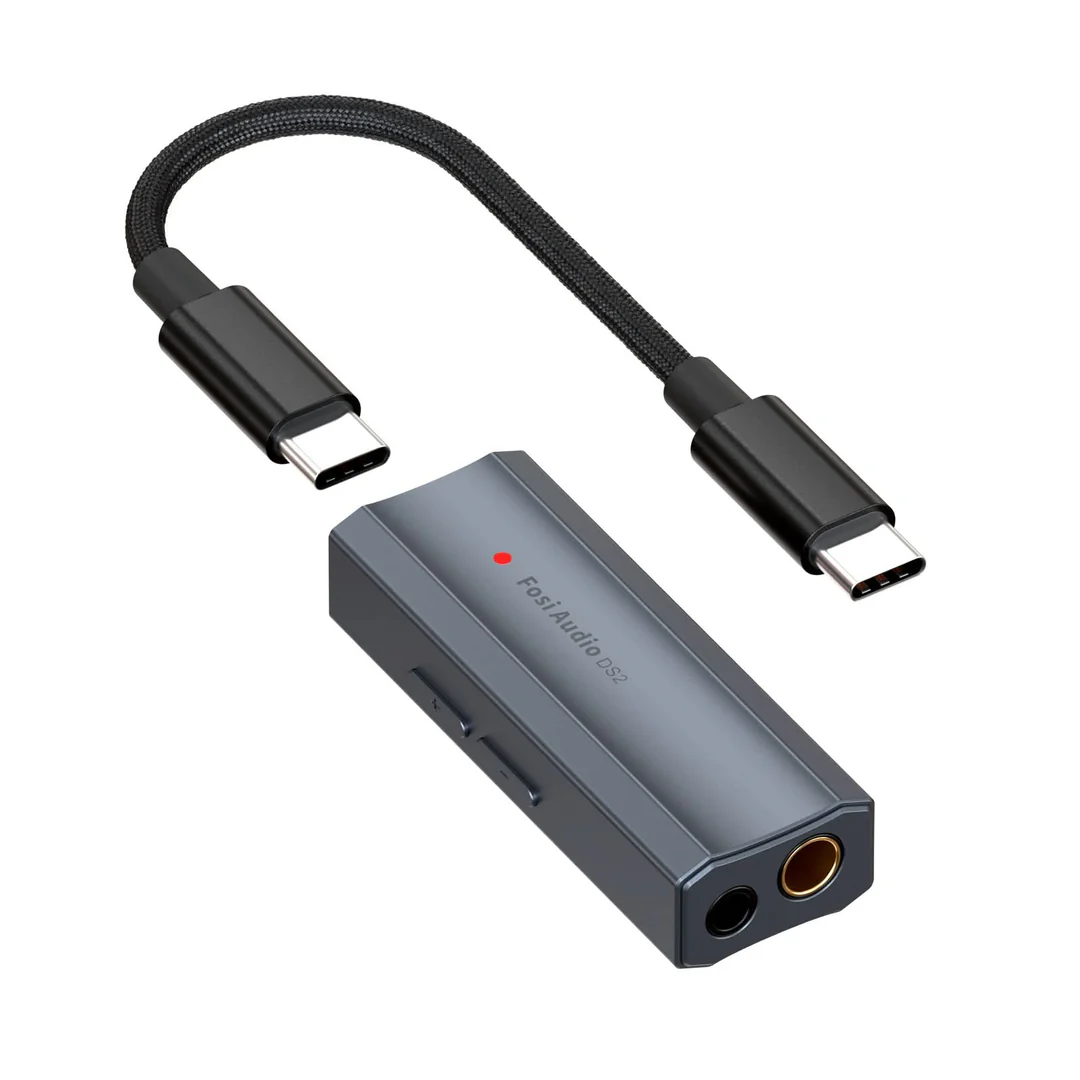
If you spend hours with headphones on, you may have noticed a type of product that sits between your computer and your ears. It is called a headphone DAC. People talk about it with a lot of enthusiasm, and also with a lot of confusion. This article explains in plain language what a headphone DAC does, what to expect from one and how to choose, using the range on the Fosi Audio headphone DAC collection page.
What a DAC does
DAC stands for digital to analog converter. Sound on a computer, phone or console is stored as digital numbers. Headphones need an analog electrical signal. The DAC is the part that turns the numbers into that signal.
Every device that plays sound already has one inside. A separate headphone DAC is simply a better placed and usually better built version, often combined with a headphone amplifier so that the output has enough power for the headphones.
What the Fosi Audio page lists
The collection page lists ten products. These are the ZH3 DAC Headphone Amp, the K7 Desktop DAC Headphone Amplifier, the ZD3 Fully Balanced Desktop DAC, the Q6 Desktop DAC, the K5 Pro Gaming DAC Headphone Amplifier, the DS2 and DS1 Dongle DAC Headphone Amplifiers, the GR40 Tube DAC Headphone Amp Preamp, the SK02 Desktop DAC Headphone Amplifier, and the ZH1 Smart Tuned Fully Balanced Desktop DAC Amp.
The page also describes the range as a way to unleash the full potential of your headphones and enjoy pristine sound quality. It does not list technical specifications for individual products, such as supported formats, bit depth, sample rates or output power. The only technical hint is in the DS1 web address, which mentions DSD512 support and 3.5 mm and 4.4 mm outputs. For any real purchase, read the product page of the specific model.
Desktop, dongle or tube
Desktop units sit on your table and normally have more connections. The K7, ZH3, ZD3, Q6, SK02 and ZH1 belong to this group. The K5 Pro is also a desktop type, named as a gaming DAC and headphone amplifier.
Dongle units, such as the DS1 and DS2, are very small. They plug straight into a computer or phone and usually need no separate power supply. They are handy for carrying.
The GR40 is a tube DAC headphone amp and preamp. Tube based designs use vacuum tubes in part of the signal path. They need a little more care, because tubes warm up and wear out over time.
Balanced designs
Two products are named as fully balanced, the ZD3 and the ZH1. A balanced design uses a pair of signal paths that are mirror images of each other. This can reduce noise and, in some designs, allow more output. To take advantage of it you need headphones and cables with a balanced connector, such as 4.4 mm, which the DS1 listing mentions.
If your headphones use an ordinary 3.5 mm or 6.35 mm plug, a balanced output may not be useful for you unless you change the cable.
Will it make a difference?
An honest answer is that it depends. A good DAC can give a cleaner, quieter and more controlled output than a poor onboard one, especially if your computer has audible noise or your headphones are demanding. If your present output is already clean and your headphones are easy to drive, the difference may be small.
A DAC also cannot fix a poor source. If a recording or stream is of low quality, no converter will restore what is missing. Headphones matter too. A better DAC with weak headphones gives limited gains.
Selection checklist
First, know your source. Will you connect to a computer, phone or console? Check the connection the DAC uses, such as USB, optical or coaxial.
Second, know your headphones. Check their impedance and plug type. High impedance headphones need an amplifier with enough power.
Third, decide between desktop and portable use. Do you stay at one desk, or move around?
Fourth, think about features such as balanced output, tube design or extra controls, and decide whether you really need them.
Fifth, read the product page for the model you like. Look at supported formats, output power and warranty.
Setting up
Connect the DAC to your source, then your headphones to the DAC. Turn the volume down before putting the headphones on. Select the DAC as the output device in your computer’s sound settings. Raise the volume slowly. If you hear noise, try a different USB port or a shorter cable.
Protect your hearing
Many DACs include a powerful amplifier. Even if the volume feels normal, a stronger output can reach levels that harm hearing over time. Keep the volume moderate and take breaks.
Summary
A headphone DAC is a useful tool when you want a cleaner and stronger output, extra connections or a more portable option. It is not magic, and it does not suit every user. Choose carefully, check the details and match it to your equipment. The range on the Fosi Audio page offers desktop, dongle and tube designs, so there is a type for most needs.