

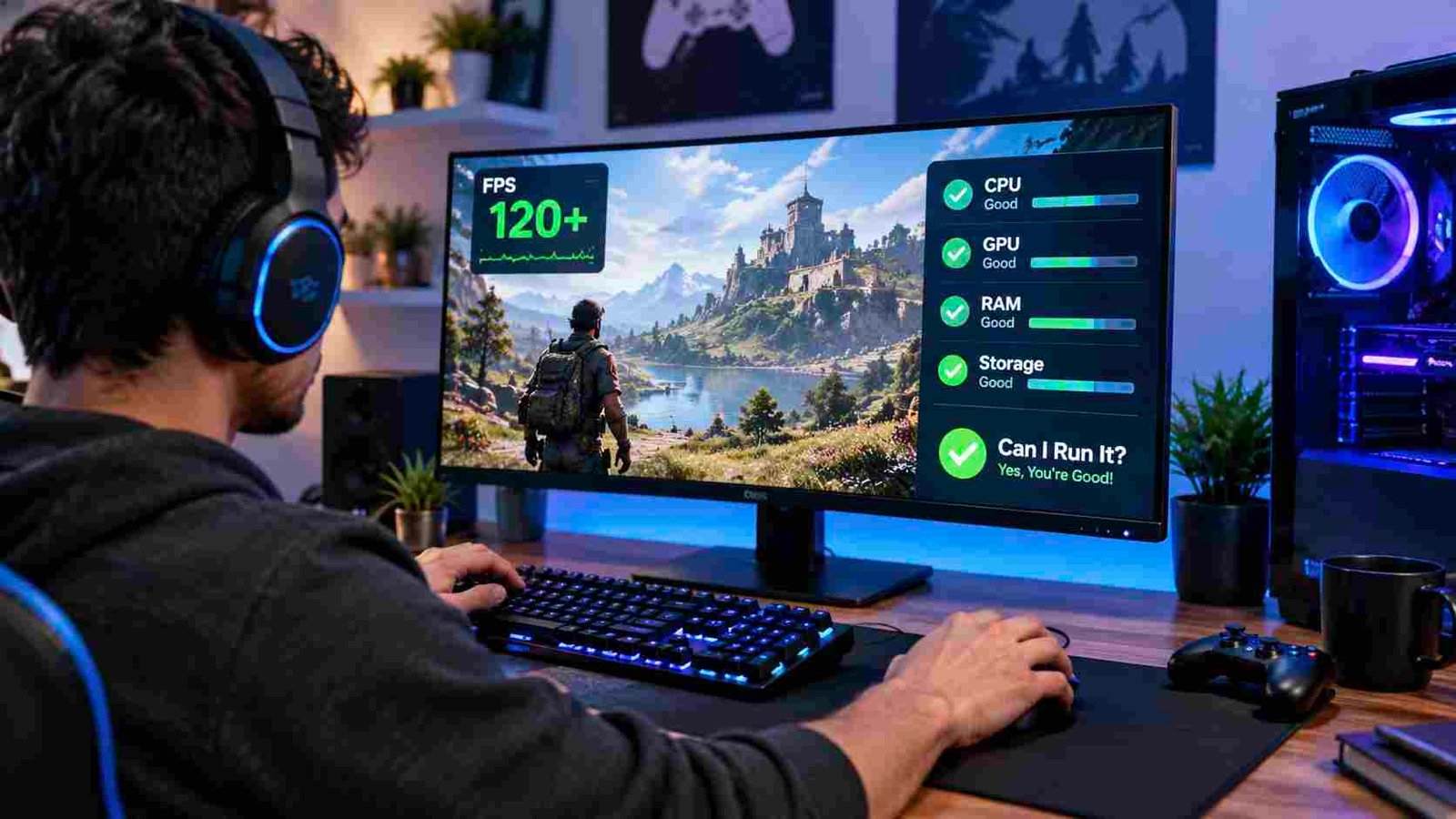
Although modern PC games are fantastic when it comes to graphics, realistic environments, and exciting gameplay, it is also necessary for them to run smoothly, which depends on sufficient system resources. Because of insufficient hardware specifications or a lack of optimization, many gamers experience low frame rates, sudden lag, and other performance issues. The programmes FPS Booster and Can I Run It provide simple solutions to these problems; FPS Booster is designed for optimizing the system while the game is running, and Can I Run It is used to check whether the computer meets the requirements of a game before it is installed.
Why PC Gaming Performance Depends on System Preparation
The processor, graphics card, RAM, and storage are some of the parts of a computer that work together to carry out the task of playing games; the games could stutter, respond slowly, and have unreliable frame rates if those resources are not sufficient or are used in an excessive way.
A game can be played with fewer unnecessary distractions if the computer is set up beforehand. It is useful to verify that the hardware is compatible, to update the main drivers, and to manage the background processes in order to achieve a more stable gaming experience.
FPS Booster for Better Resource Management
An FPS Booster is a program that improves the performance of the game by optimizing the computer’s resources; instead of purchasing new and expensive equipment, gamers can consider making some software adjustments.
Managing Unnecessary Background Applications
Background apps can take up a great deal of processor and memory even if they are not being used, and games have to compete with web browsers, software updates, and other programs for system resources.
FPS Booster software can be used to identify the applications that consume resources and to reduce unnecessary background processes so that the computer can concentrate more on the game being run.
Improving Frame Rate Consistency
It’s more comfortable to play games when the frame rate is comfortable, particularly in racing, shooting, and action games; sudden drops in FPS can affect responsiveness, aiming, and movement.
Improving performance might help in reducing the fluctuations caused by the software’s limited resources; but in reality, the amount of improvement will vary depending on the hardware of your computer and the requirements of the game.
Can I Run It for Smarter Game Selection
There is a useful compatibility-checking tool known as Can I Run It which, when used, displays the computer’s specifications and compares them with the requirements published for the game to identify any possible compatibility problems.
Identifying Hardware Limitations Early
Some people will require high-performance graphics cards, a lot of RAM, or more advanced processors. You could end up being dissatisfied with the outcome if you want to play a difficult game but don’t read the specifications.
Can I run it will check whether a system meets the minimum or recommended requirements for playing certain games.
Making Informed Graphics Settings Decisions
The results of the compatibility check can also indicate what kind of performance to expect; a computer with the minimum requirements may have to run with lower graphics settings, while a more powerful computer can be used with higher graphics settings.
Although these comparisons are useful, they won’t guarantee specific frame rates.
Creating a Balanced Gaming Setup
FPS Booster, plus the question of whether I can run it, represents a feasible method of game preparation. Before players start to play games, they should first check their computer’s compatibility and then adjust the settings for optimal performance.
This is especially beneficial for gamers who are on a budget and want to make the most of their existing hardware without having to carry out any further upgrades.
Conclusion
If you are a gamer, then you should optimize your computer’s performance and at the same time ensure that it is compatible with the games you play. Players can use their knowledge of the hardware capabilities together with their ability to manage the available resources in order to reduce any unnecessary performance problems, select the appropriate settings, and improve the gaming experience.