

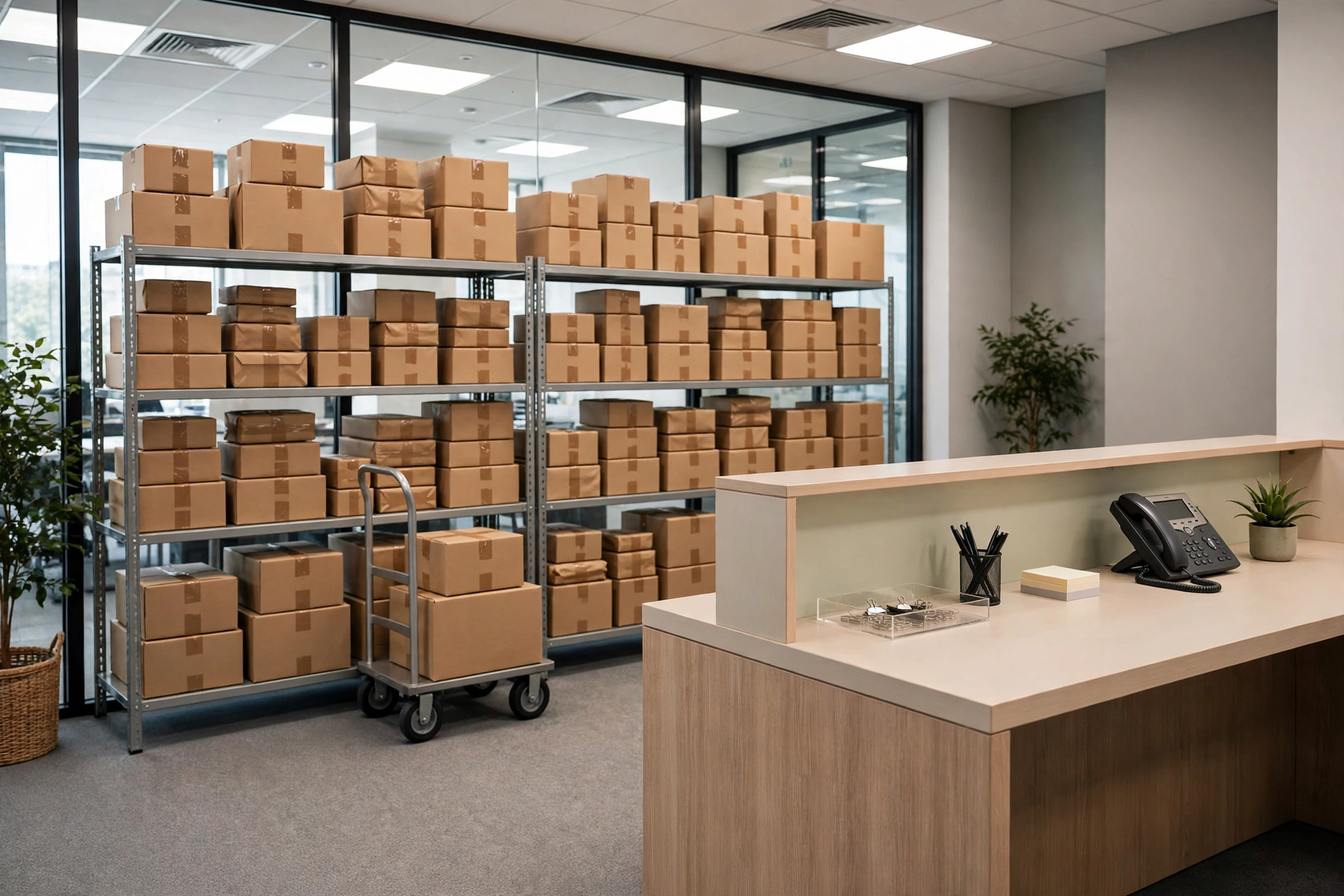
Walk past most UK reception desks on a Friday afternoon and you'll see the same thing: a shelf of boxes addressed to people who won't be in until Tuesday. Some are laptop chargers, some are contracts waiting for a signature, and a surprising number are personal orders nobody has collected in a fortnight. The office mailroom was designed for a world where everyone sat at the same desk five days a week, and hybrid working quietly removed that assumption. The organizations handling this well have stopped treating post as a reception chore and started treating it as a logistics process. In practice, that usually means adopting mailroom management software, often a digital mailroom management system that logs every item on arrival and tells the recipient it's waiting.
Why the Old System Worked Until It Didn't
The traditional mailroom ran on proximity. A post room assistant could walk a parcel to someone's desk, a colleague could sign on a teammate's behalf, and anything unclaimed got noticed quickly because its owner was rarely more than a few meters away. The process was informal, but daily presence held it together. Hybrid rotas pulled that support away. A delivery can now arrive on a day its recipient is working from home, sit on a shelf for a week, and slowly drift out of anyone's memory. Facilities teams lose track of what came in, who signed for it, and where it ended up. When something important goes missing, there's often no record to check. The mailroom didn't just get busier with hybrid work. It lost sight.
Personal Deliveries Changed the Volume
Hybrid working also blurred the line between home and work addresses. Plenty of employees now send personal online orders to the office, because a staffed reception feels safer than a doorstep on a quiet street. That's an understandable choice, but it adds bulky, unpredictable parcels to a space built for envelopes and the occasional courier box. The result is storage that fills up faster than expected and reception staff who spend part of every day chasing collections instead of doing the work they were hired for. Few companies planned for this, because the shift happened gradually.
Logging Everything at the Front Door
The fix most organizations settle on starts at the point of arrival. Each item is scanned or photographed as it comes in, tagged with the recipient's name, and assigned a shelf or locker location. That one step creates a record that follows the parcel until it's collected. It sounds simple, and it is. But it changes the everyday question "Has my delivery arrived?" from a rummage through a storage cupboard into a quick search that takes seconds.
Letting Notifications Do the Chasing
Once an item is logged, the recipient receives an automatic alert by email or workplace chat. If they're working from home that day, they know the parcel is safe and can plan to collect it, or ask a colleague to pick it up on their behalf. If it sits too long, a reminder goes out without anyone at reception needing to pick up the phone. Collection is recorded too, usually with a digital signature or a photo. That creates a clear chain of custody, which matters for contracts, equipment, and anything with personal data. When the recipient knows within minutes, a parcel stops sitting for days.
What Changes Day to Day
The difference shows up in small, practical ways rather than one dramatic overhaul. Task Traditional Mailroom Digitised Mailroom Logging arrivals Paper book, or nothing at all Scanned on arrival with recipient and shelf location Telling the recipient Phone call or a walk across the floor Automatic email or chat notification Uncollected items Noticed when the shelves overflow Reminders sent after a set number of days Proof of handover Initials in a ledger, if anyone remembers Digital signature or photo, time-stamped Planning and reporting Guesswork and anecdote Volume data by day, team, and carrier None of these changes is revolutionary on its own. Together, they replace a process that relied on people being in the room with one that relies on records.
Using Data to Plan the Space
Once deliveries are logged, patterns start to appear. Many offices discover a heavy spike on Mondays, a handful of teams receiving most of the volume, or personal parcels taking up far more space than business post. That information is useful well beyond the mailroom itself. Facilities managers can schedule reception cover around peak days, size storage areas properly, and decide whether parcel lockers are worth the investment. They can also set a fair policy on personal deliveries, such as size limits or collection windows, based on evidence rather than complaints. Good mailroom data turns a cupboard problem into a planning decision.
Security, Privacy, and Multi-Site Offices
Post carries personal information, and under UK GDPR, that information still needs protecting while it sits on a shelf. A logged system makes it easier to restrict access to stored items and show exactly who handled what. Suspicious or unexpected packages are also easier to spot when every legitimate delivery is already on record. For companies with several offices, or teams using flexible and co-working spaces, a shared system gives one view across every location. An employee who switches between a London hub and a Manchester office no longer has to guess where a parcel was sent.
Bringing the Mailroom Into the Hybrid Workplace
Hybrid working didn't create a new problem so much as expose an old one. The mailroom always depended on people being nearby, and once attendance became flexible, that dependency had nowhere to hide. The firms getting this right haven't rebuilt their offices. They've replaced memory with records, phone calls with notifications, and guesswork with data. The practical lessons are fairly consistent: log every item at the door, tell people quickly, keep proof of handover, and use the numbers to shape policy and space. Rolling this out one site at a time, with a clear rule on personal deliveries and a short briefing for staff, tends to work better than a big launch. Done well, the mailroom stops being the forgotten corner behind reception and becomes a quiet, reliable part of how a hybrid office actually runs.