

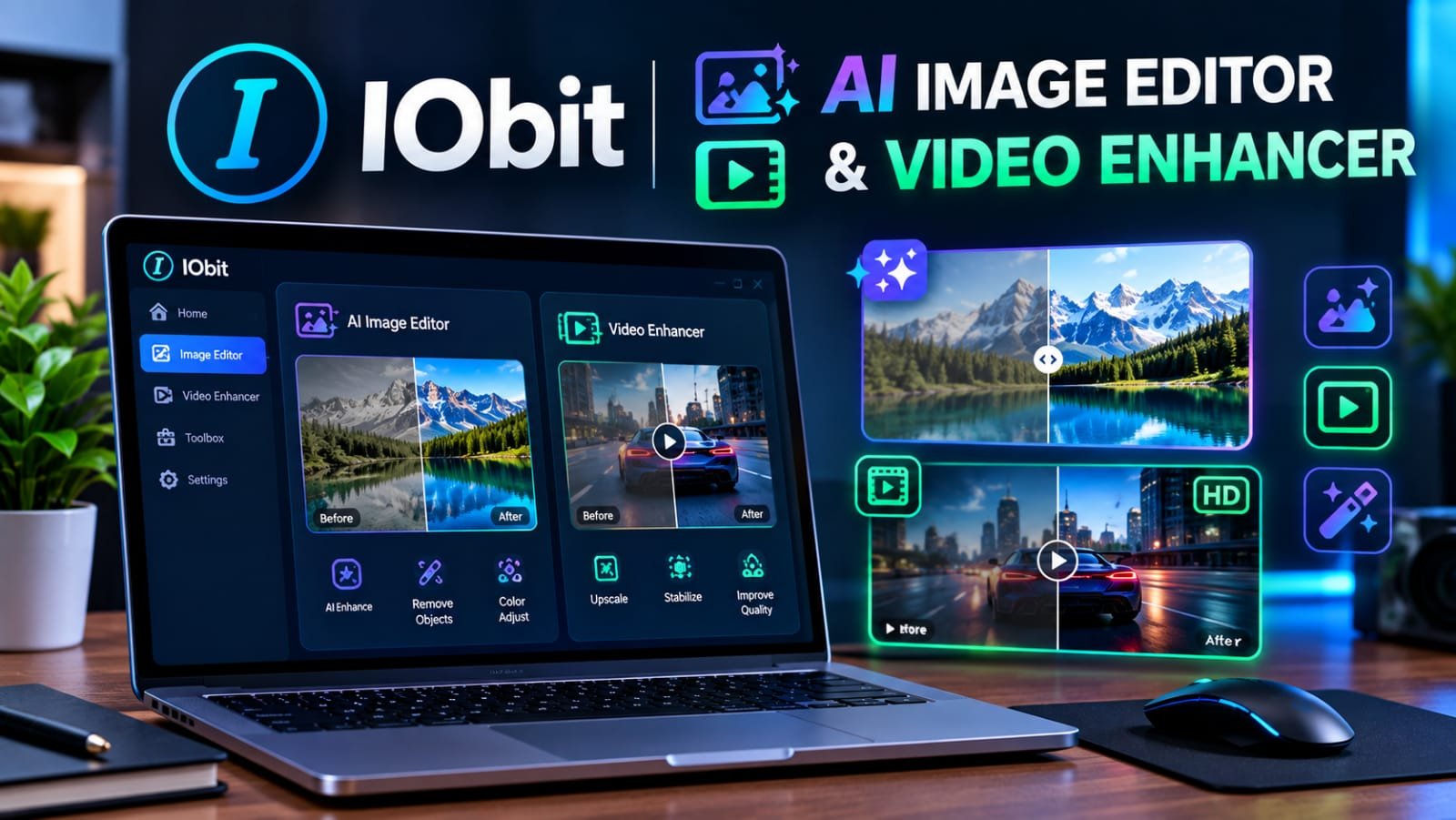
IObit AI Image Editor is a time when cleaning up a photo and polishing a video required entirely different tools. Photo editing meant wrestling with layers and masks in something like Photoshop. Video work meant timelines, codecs, and render settings that took hours to understand.
AI has quietly closed that gap. For everyday users, this shift matters more than it might seem at first glance.
Why Visual Content Editing Finally Feels Approachable
The democratization of creative tools has been one of the more understated shifts in consumer software over the past few years. Tasks that once required professional training can now be done in seconds through automation.
Removing a background cleanly, sharpening a blurry photo, or upscaling old footage no longer means manual, pixel-by-pixel work. What used to take hours in specialized software now takes a few clicks. The results are often consistent enough that casual users can’t tell the difference between an AI-assisted edit and one done by a trained professional.
This shift matters because most people aren’t trying to become professional editors. They just want a product photo that looks clean, a family photo that isn’t grainy, or an old video clip that doesn’t look a decade old. AI-driven editing tools solve exactly this kind of practical, everyday need.
Photos: Where AI Editing Makes the Biggest Difference
For still images, the same frustrations tend to come up again and again: a busy background, low resolution, poor lighting, or a general lack of sharpness.
An AI image editor addresses these problems by analyzing the image and applying corrections intelligently. There’s no need to manually select tools and adjust settings one at a time.
Typical capabilities in this category include:
- Background removal and replacement: isolating a subject cleanly, even around complex edges like hair or fur
- Resolution upscaling: reconstructing detail in low-resolution or compressed images
- Automatic enhancement: correcting exposure, color balance, and sharpness without manual tweaking
- Object removal: cleaning up distracting elements without leaving visible editing artifacts
The appeal here is speed combined with accessibility. A small business owner preparing product photos, a creator polishing a social post, or someone cleaning up an old family photo can all get professional-looking results without touching complex software.
Video: A Different Set of Problems, Similar Solution
Video introduces challenges photo editing doesn’t have to deal with. Frame consistency, motion blur, and compression artifacts affect an entire clip, not just a single frame, and larger file sizes make manual editing slower.
This is where a dedicated video enhancer becomes useful. Rather than upscaling footage by simply stretching pixels, which produces a soft, unconvincing result, AI-based video enhancement analyzes each frame individually.
It reconstructs detail based on patterns learned from high-resolution footage. The result looks genuinely sharper, not just larger. Most tools in this category also handle noise reduction for grainy, low-light clips and stabilization for shaky, handheld recordings.
Bringing Both Under One Roof
The real advantage isn’t that AI can handle photos or videos individually. It’s that a single provider can now offer both, without forcing users to juggle separate tools for each format.
IObit has built its reputation over the years on practical, everyday PC utility software. That same focus has extended naturally into AI-powered media tools.
Its AI image editor handles the photo problems discussed above, from background removal to resolution enhancement. Its companion video enhancer applies that same AI-driven approach to footage, addressing blur, noise, and low resolution in video clips.
Having both available from a single, established developer removes a lot of the friction involved in researching yet another unfamiliar tool for every editing task.
Getting the Most Out of AI Editing Tools
A few habits go a long way toward better results, regardless of which tool you use:
- Start from the highest-quality source file available. AI enhancement reconstructs plausible detail, and it performs better with more information to work from.
- Test a single image or short clip before committing to a batch. Different content responds differently to AI processing.
- Keep expectations realistic. AI editing improves clarity and presentation, but it can’t recover detail that was never captured in the first place.
- Use enhancement as a finishing step, not a replacement for capturing decent source material to begin with.
Final Thoughts
The line between photo and video editing has blurred considerably as AI has taken over the more tedious, technical parts of the process. What once demanded two separate skill sets, and often two separate pieces of software, can now be handled through accessible, automated tools.
Whether the task is fixing a single product photo or restoring an entire library of old video clips, having an AI image editor and a video enhancer under one roof makes the process far less intimidating for anyone without a background in professional editing.